Full Inqom Configuration
CONNECTION
Step 1: Choose a name for your connection.

Step 2: Click "Connect" to complete the connection.
AUTHORIZATION
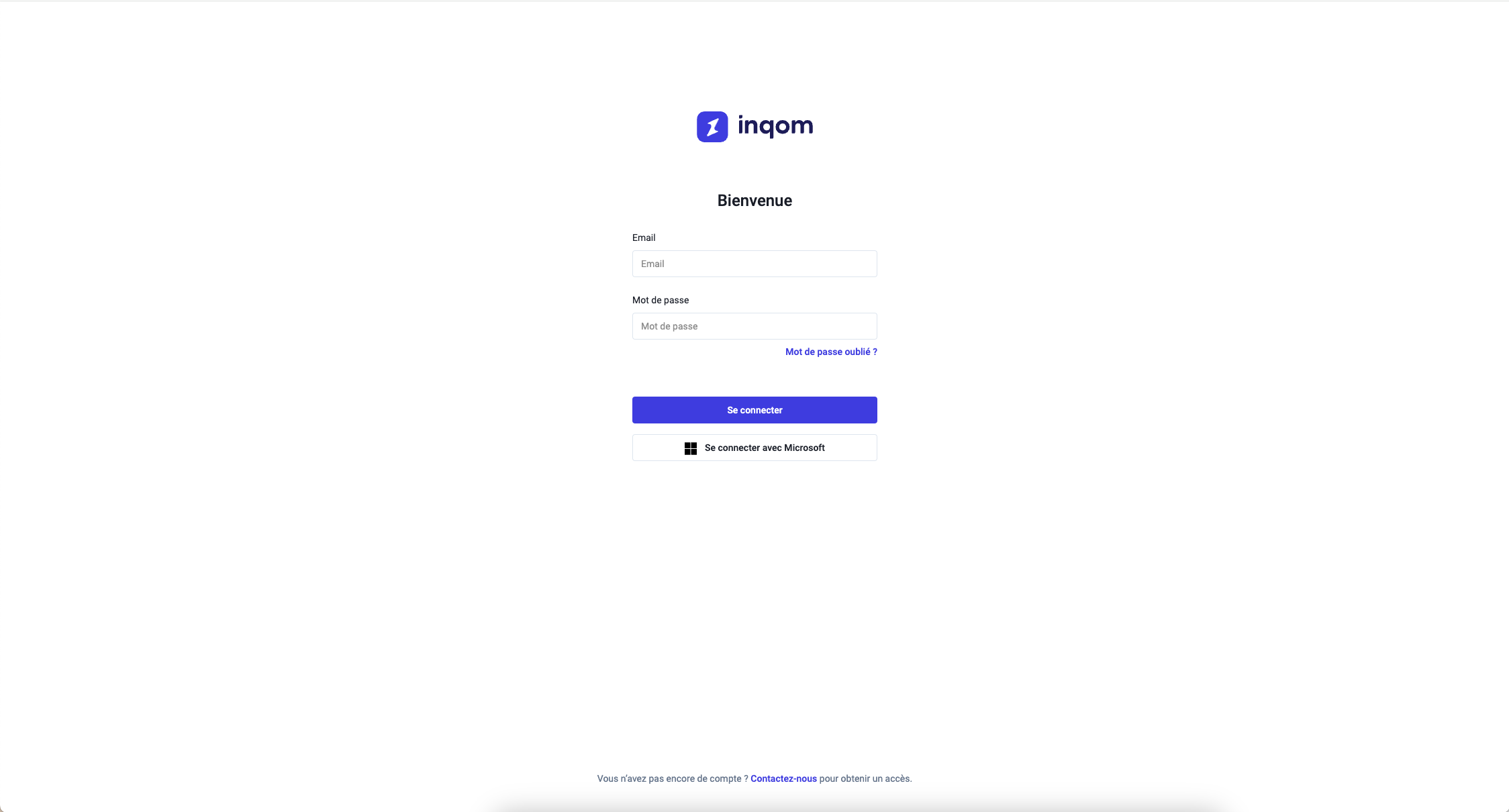
You will be redirected to an Inqom window to authenticate yourself safely.
Form of integration
Prepare the Inqom configuration with Data Merge Finance in France: prerequisites, accounting framing and Shift documentation.
Prepare the Inqom configuration with Data Merge Finance in France: prerequisites, accounting framing and Shift documentation.
This connection is intended for SMEs, trustees and growing structures that use Inqom as software and want to transmit reliable data to their accounting environment in Belgium, France or in a cross-border context.
The most frequent searches around this page focus on specific needs such as Zoho Books + Inqom, Pennylane + Inqom or Odoo + Inqom. Behind these requests, the objective remains the same: to connect invoicing, VAT, third parties and entries without manual retrieving.
The technical documentation below then details the prerequisites, configuration steps and control points to properly integrate Inqom into your Data Merge Finance feed.
Full Inqom Configuration
Step 1: Choose a name for your connection.
Step 2: Click "Connect" to complete the connection.
You will be redirected to an Inqom window to authenticate yourself safely.
Contact us to validate the prerequisites, the accounting framing and the points of attention before placing in production in Belgium or France.

