Pourquoi connecter Twinfield avec Data Merge Finance ?
Préparez la configuration de Twinfield avec Data Merge Finance en Belgique, en France ou en Europe : prérequis, cadrage comptable et documentation Chift.
Cette connexion s’adresse aux PME, fiduciaires et structures en croissance qui utilisent Twinfield comme logiciel et veulent transmettre des données fiables vers leur environnement comptable en Belgique, en France ou dans un contexte transfrontalier.
Les recherches les plus fréquentes autour de cette page portent sur des besoins concrets comme Zoho Books + Twinfield, Odoo + Twinfield ou Teamleader + Twinfield. Derrière ces requêtes, l’objectif reste le même : connecter la facturation, la TVA, les tiers et les écritures sans ressaisie manuelle.
- Synchronised data: sales invoices, purchases, credit notes, third parties, VAT, newspapers and useful items according to the selected framing.
- Expected benefits: less double encoding, fewer closing corrections and better continuity between management and accounting.
- Setting up: a few days of framing and validation on your priority cases, then a gradual and controlled production.
La documentation technique ci-dessous détaille ensuite les prérequis, les étapes de configuration et les points de contrôle pour intégrer Twinfield proprement dans votre flux Data Merge Finance.
Configuration complète de Twinfield
PREQUISITIES
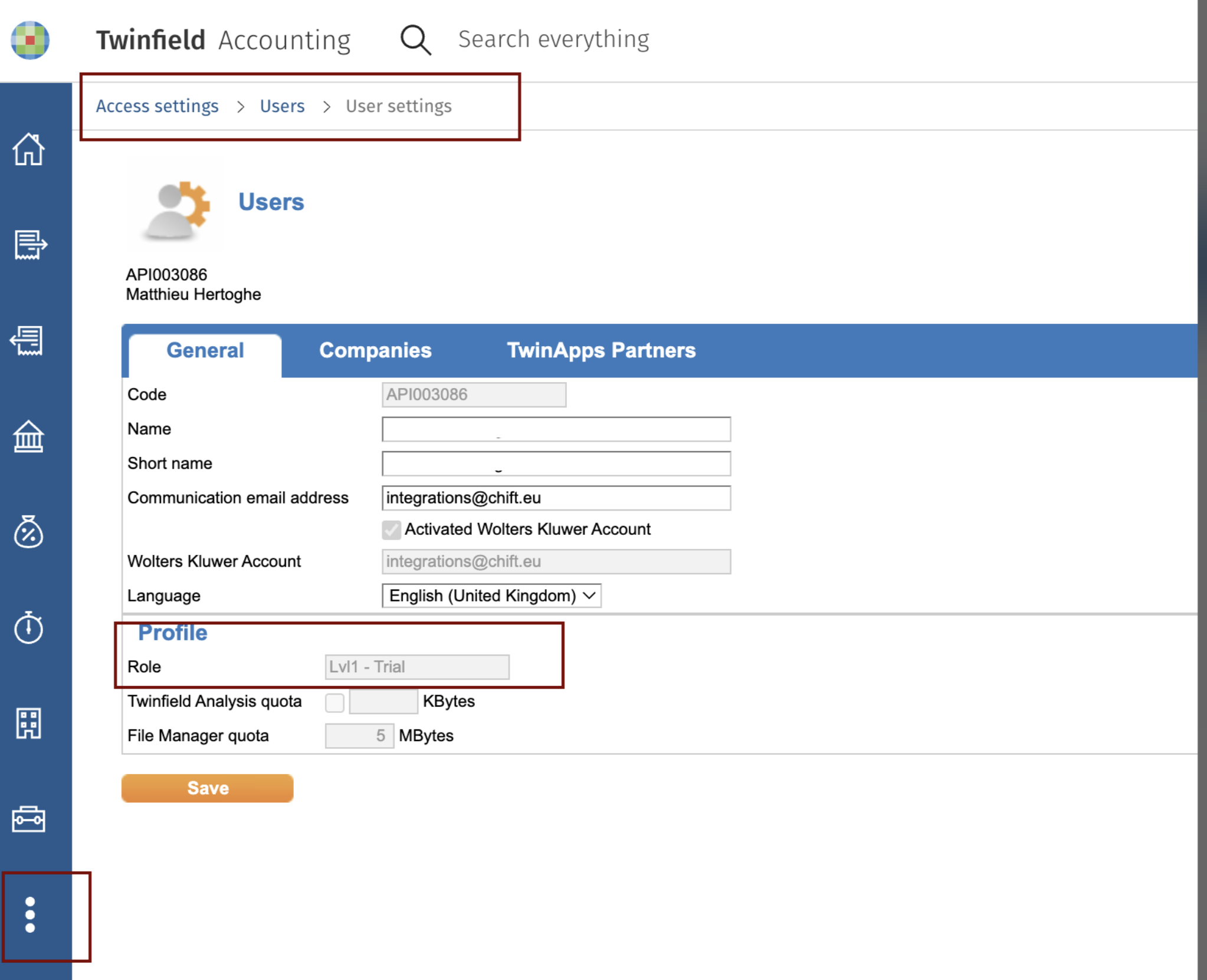
Some functionalities, like bank statement integration, require a minimum of user access linked to the connected user. Make sure your user has at least a role between Lvl 1, and Lvl4. You can verify this by checking your user settings
Settings (3 dots on the left) → Access settings → Users → User settings
CONNECTION
Step 1: Choose a name for your connection. (If the connexion name field isn’t visible, simply skip this step and continue.

Step 2:Click "Authorise" to finalize the connection.

AUTHORIZATION
You will be redirect to the login page to authenticate yourself and authorize the connection.
Activation
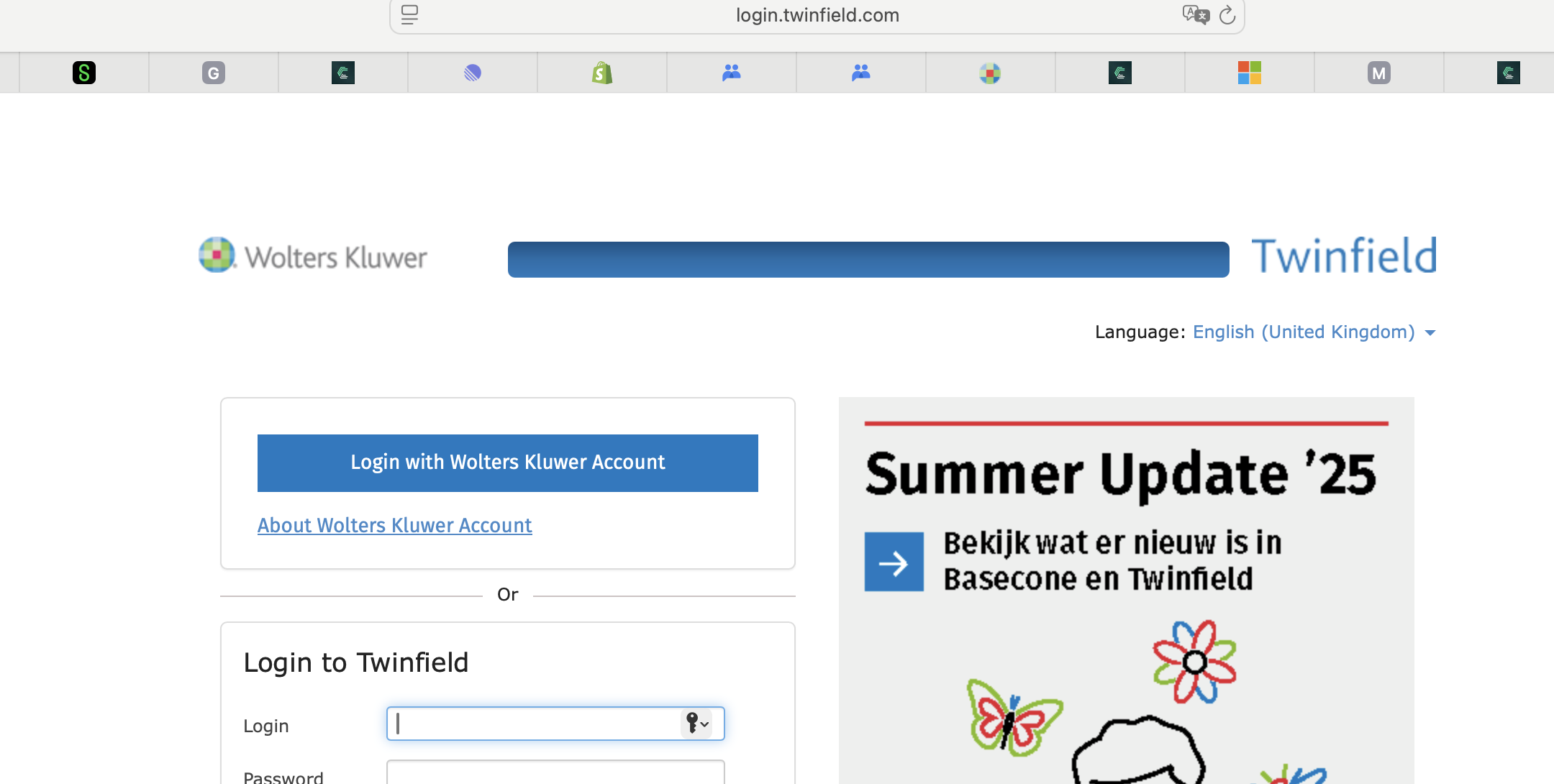
Twinfield is part of the Wolters Kluwer group, and uses the Wolters Kluwer OAuth2 authorization protocol.
Click the blue button “Login with Wolters Kluwer Account”
Enter the credentials to your Wolters Kluwer Account
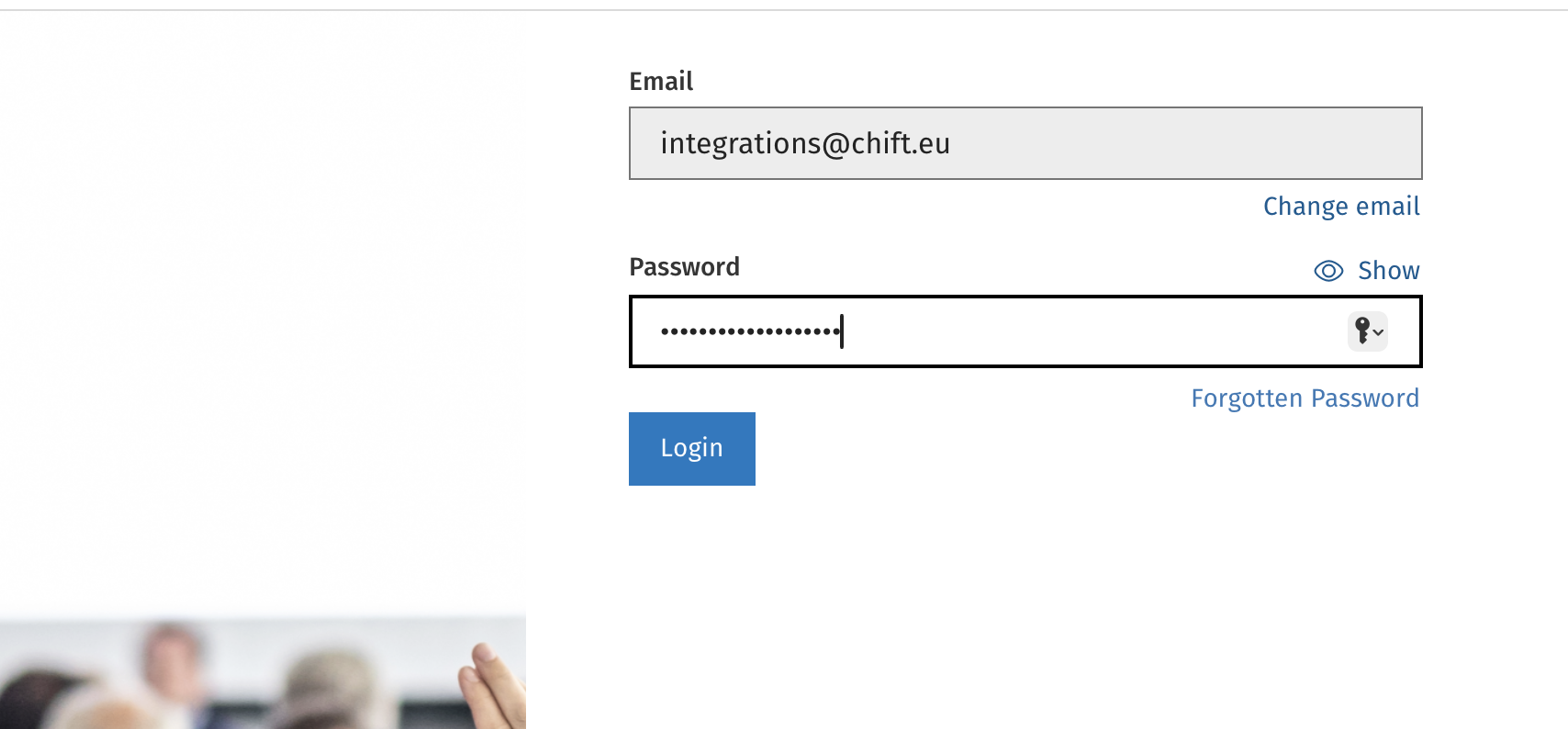
Fill in the one time password.
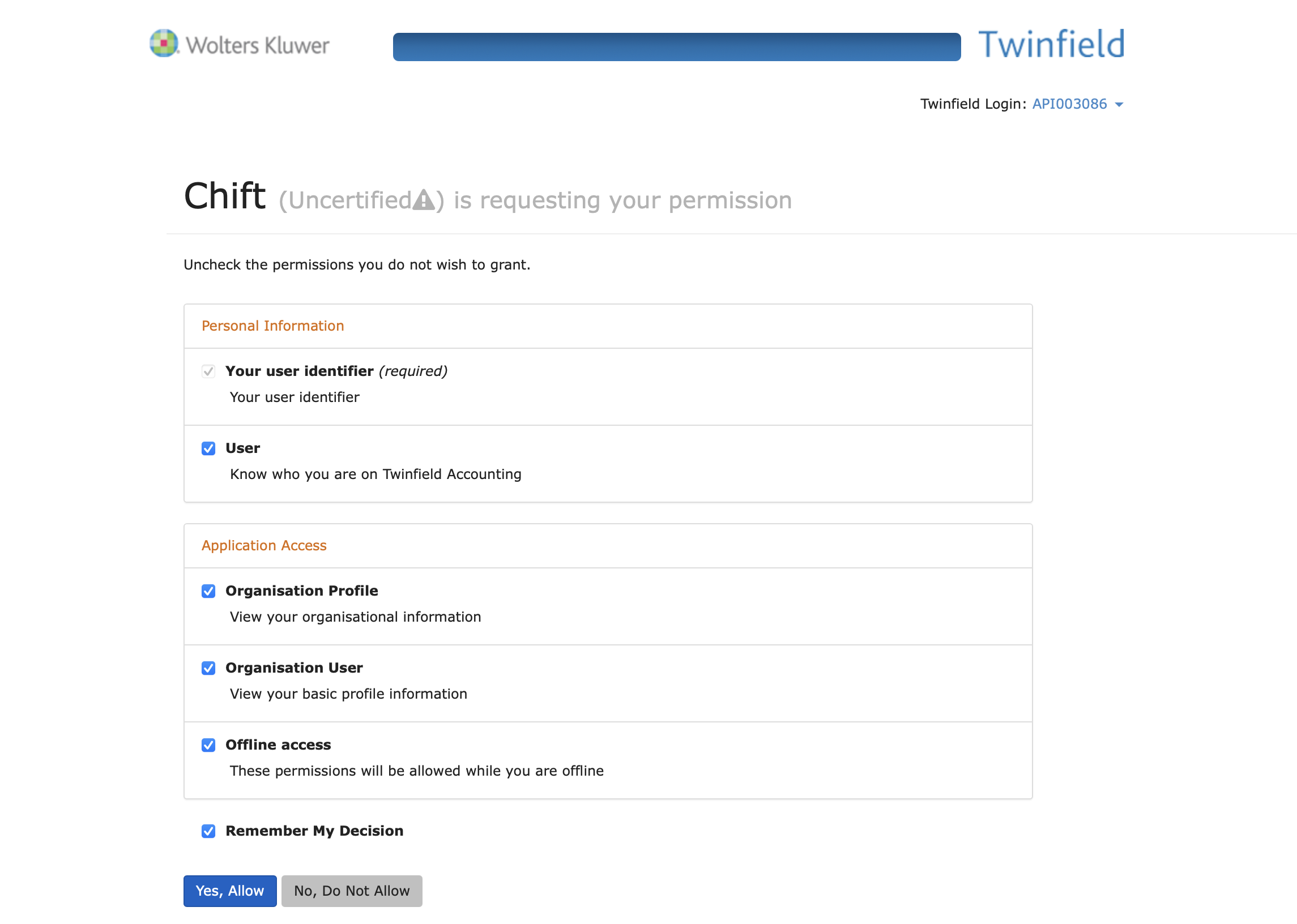
Authorize access by clicking “Yes, Allow”